Open Screen Deck
Six mechanical keys, each with its own 128×128 screen, on an ESP32-S3 carrier you order and a case you print. KiCad, Gerbers, OpenSCAD, STLs, firmware, and a desktop companion all live in the GitHub repo. Nothing here is sold as a kit — you build it.
Start a build macOS app Windows app
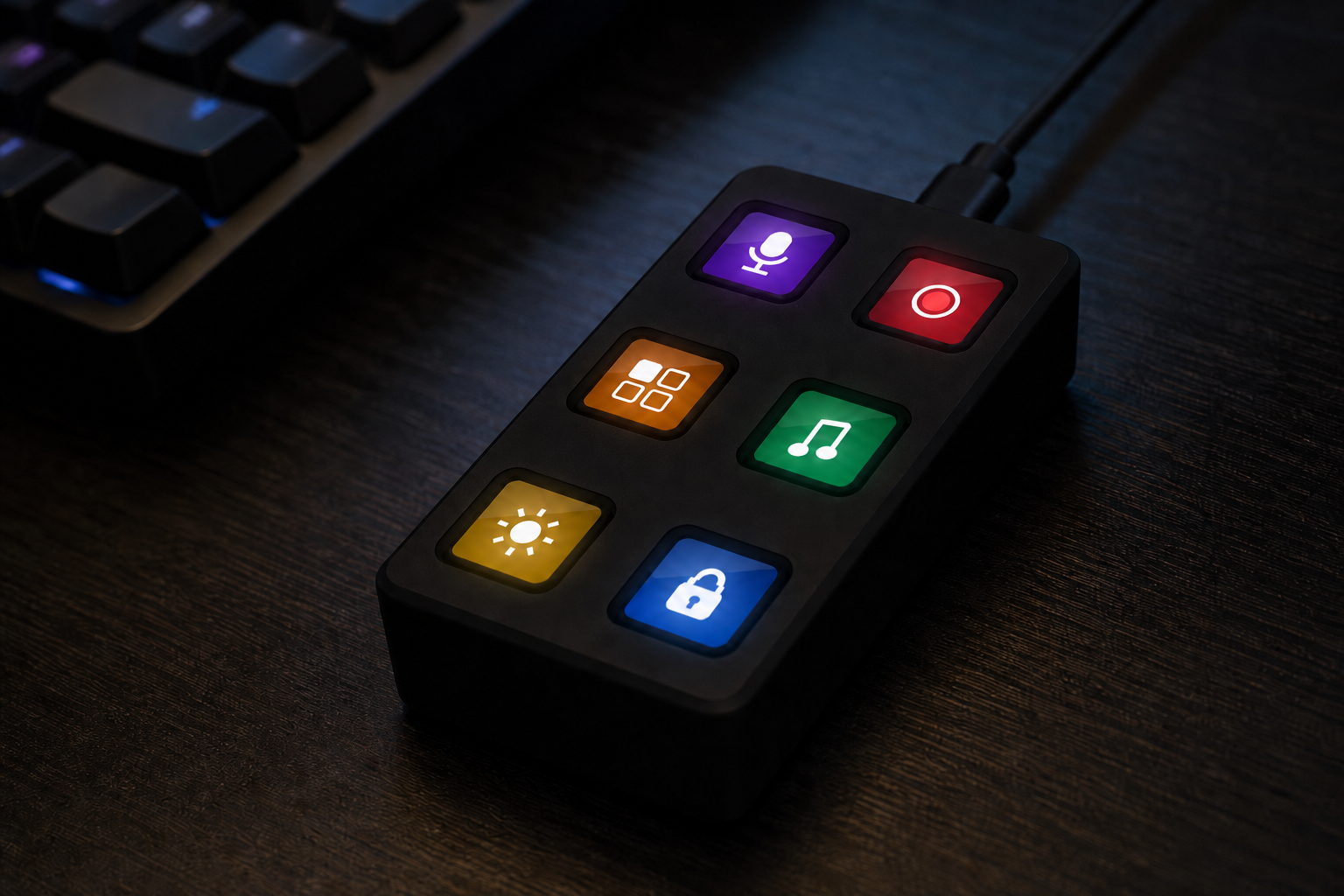
How a build goes
Order the six ScreenKey modules first — they take the longest. While they ship, send the Gerbers to a board house and print the case. Assembly is four corner screws and the in-box cables. Then flash over USB-C.
- Order parts — six Waveshare 34168 modules (about $66), a Rev E PCB from JLCPCB, M2 screws, inserts, feet. Whole bill is about $100.
- Print the case — four STLs, PETG or PLA+, no supports. Do this while the PCB is in transit.
- Assemble — heat-set four inserts, screw the modules to the carrier, plug the cables, close the shell. About 45 minutes if you've soldered once.
- Flash firmware — Arduino IDE or the companion app. After that it enumerates as a USB keyboard.
The build overview is the same four steps with links.
What's in the repo
-
Hardware
KiCad project and Gerbers for the Rev E carrier (59.5 × 108.5 mm), OpenSCAD + printable STLs, pinout in
hardware/pinout.py. Order five boards, keep one, remix the rest. -
Firmware
Arduino sketch for the ESP32-S3. Out of the box it types F13–F24. Pages, icons, animations, and the Rev E sensors (IMU, ambient light, haptics, glow LEDs) are configured over serial.
-
Companion app
Optional. The deck works as a HID keyboard without it. Use the app when you want to draw key faces, assign host actions, or flash a newer firmware. Plugins are ordinary folders; scaffold one in-app.
Once it's together
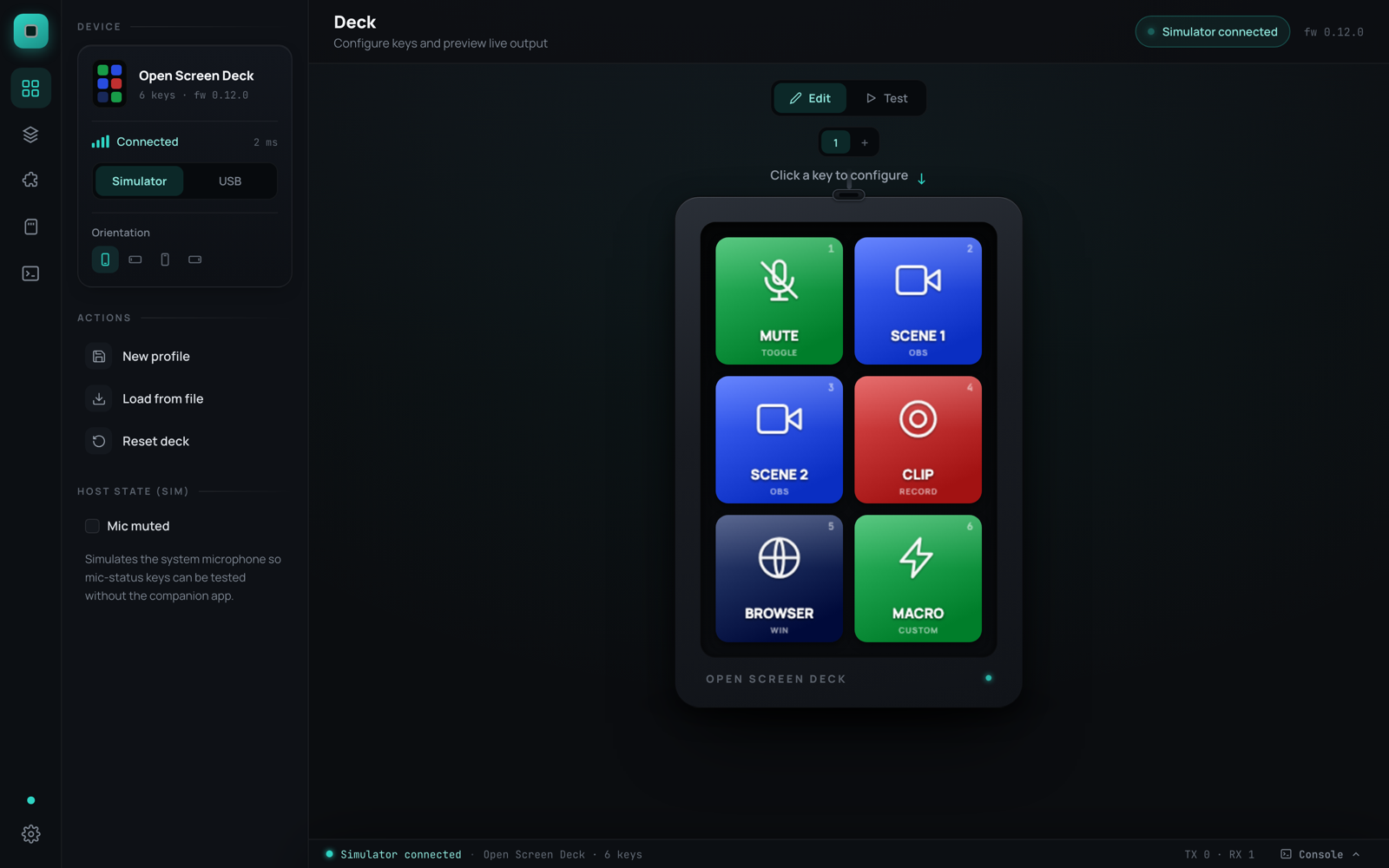
Plug it in — keys send F13–F24 until you change them. The companion (macOS or Windows, or build it from app/) talks over the same USB-C cable:
- Click a key to set label, colour, icon, GIF, or a host action (launch, hotkey, URL, shell, mic, OBS, …)
- Up to 8 pages on the device; layouts save as profiles you can share
- Plugins draw their own faces (clocks, tickers, progress) — list is in the plugin directory
- Settings can flash firmware and, on Rev E, drive auto-dim, glow, and a hardware self-test
Specs (Rev E)
| Keys | 6× Waveshare 0.85″ ScreenKey — 128×128 IPS + switch per key |
| Pages | up to 8 × 6 = 48 slots, switched on the device |
| MCU | ESP32-S3-WROOM-1 (16 MB flash, 8 MB PSRAM) |
| Carrier | 59.5 × 108.5 mm, 2-layer, dual SPI to the panels |
| On board | IMU, VEML7700 ALS, haptic driver, piezo, 8× SK6812, Qwiic |
| Host | USB-C → HID keyboard + CDC serial |
| Case | 64.9 × 113.9 × 28.2 mm printed deck + optional 25° stand |
| Parts | ~$100 ($66 is the six modules) |
Photos
Hardware pictures are CAD or board renders until more assembled units are documented. App screenshots are from the real UI.